

Flashcards App Client
Intro
I have previously build a Flashcards App API using ASP.NET and needed to build the frontend client. I use a lot of React in my daily job as a developer so I thought I'd better get an example of some of my code on my portfolio! This is a bit different from the React setup I used in my Link Sharing App as this app is completely seperate to the API and runs in its own container.
The Frontend Mentor challenge page is here, and the repo is here. As with my other apps, it is hosted on it's own subdomain here.
App Overview
The app allows a user to create flashcards and organise them by category, then generate a quiz with various constraints. Users can adjust the confidence level of cards as they take the quiz, allowing them to track their progress.
The app is entirely compiled React (ie client side only, no SSR), TypeScript throughout and uses Tailwind for styling. It also uses a lot of my go-to React libraries including:
- React Router
- Tanstack Query (React Query)
- React Hook Form and Yup
- Shad CN
It's a fairly simple client but it shows a lot of the core features that many React apps will implement:
- Login and register users
- Token based auth including HTTP only refresh tokens
- Protected routes
- Full CRUD on question and category entities
- Pagination
- Custom hooks
- Context API
- Form validation using React Hook Form and Yup validation library
- Frontend caching
- Optimistic UI updates via mutations
App Screenshots
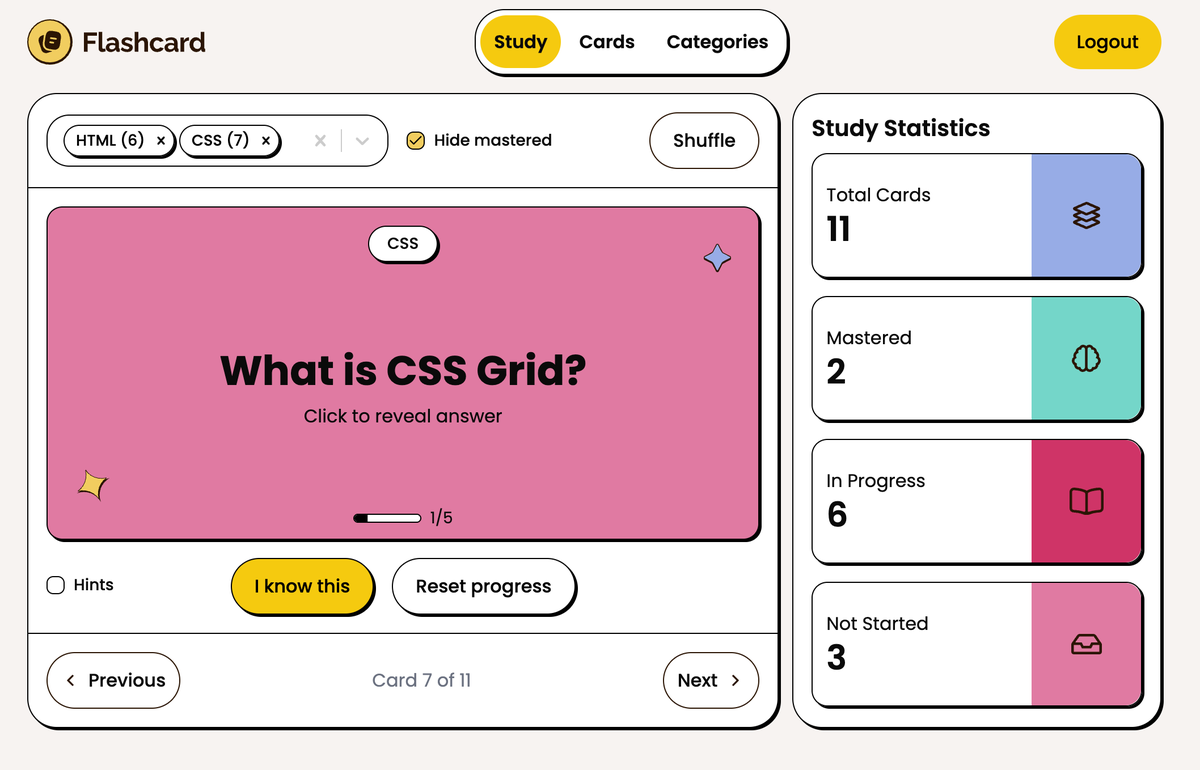
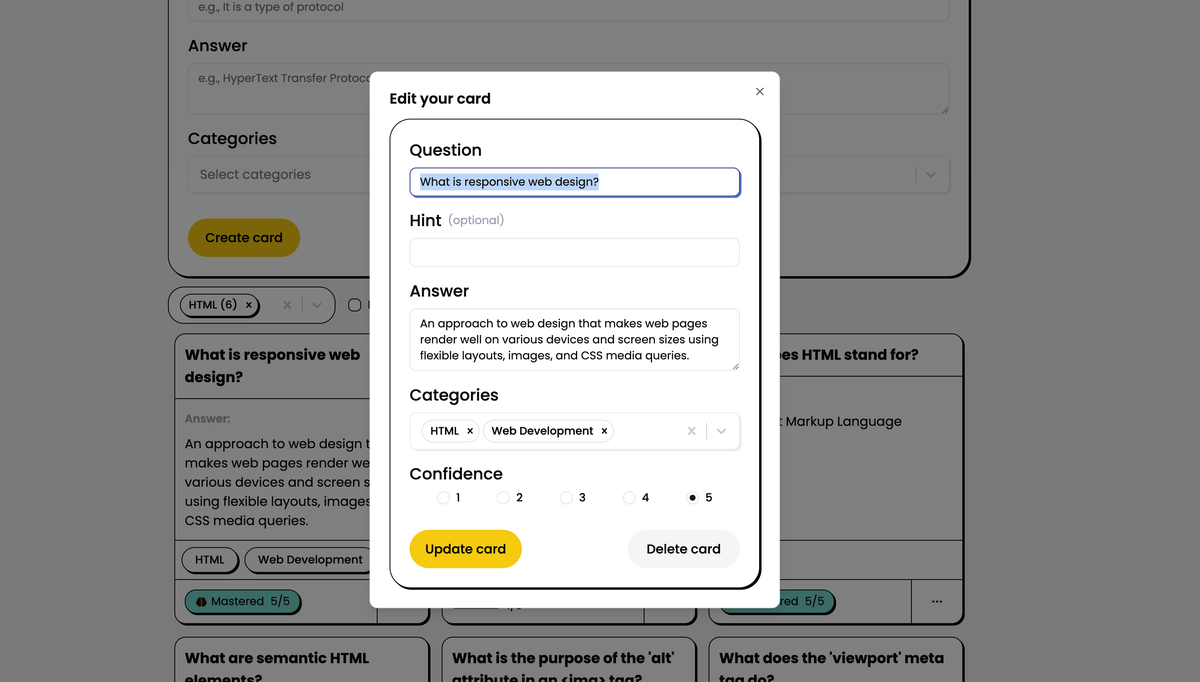
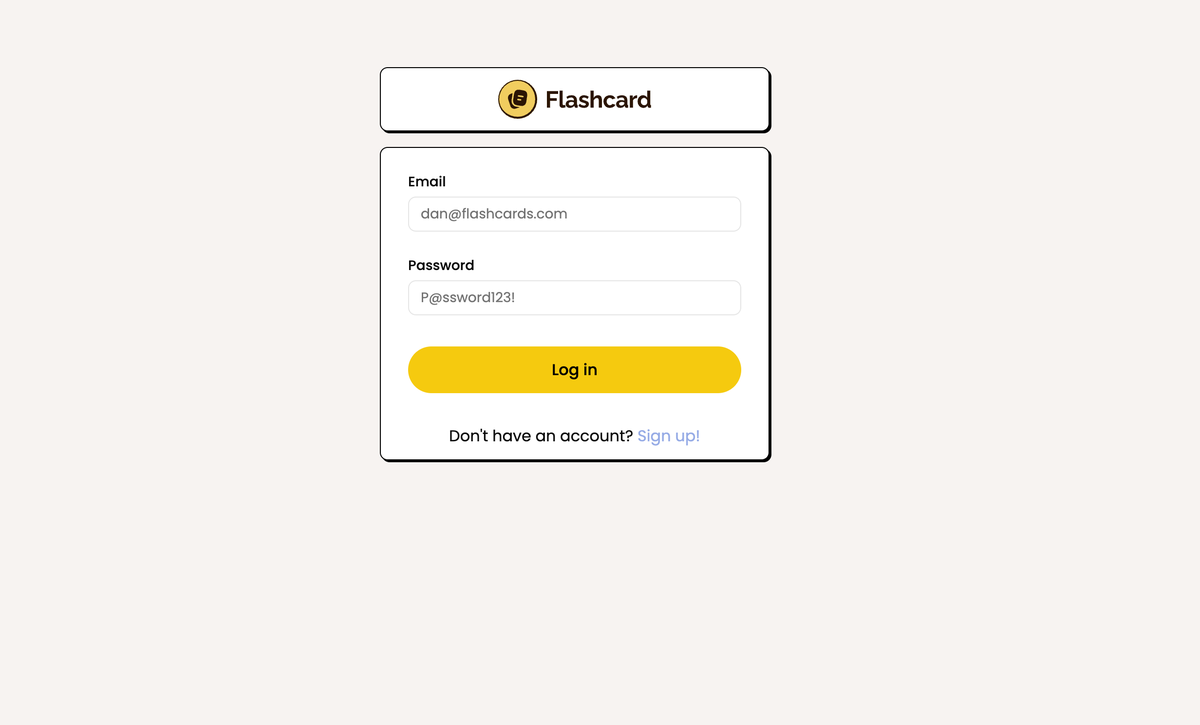
App Deployment
As with my other apps, this is deployed on a Digital Ocean VPS inside Docker, and I have a reverse proxy that routes to my various domains/subdomains.
The repo for this client actually includes the built dist folder - this is due to the size of the DO droplet. Vite (the React build tool) was taking ages to build remotely, so I am actually building locally and deploying the compiled app. The frontend container is then simply built from an Nginx image which serves this and proxies any API requests to the ASP.NET minimal API.
Authentication System
When using a SPA like React, there are often issues about where to store sensitive data such as access and refresh tokens. The issue is that if client side JavaScript can get hold of tokens, then so potentially could a malicious actor via XSS or another attack.
The best practices for a token based auth system are:
- Short lived access tokens
- Access tokens not stored in insecure browser APIs (localStorage or sessionStorage)
- Refresh tokens not accessible via JavaScript (HTTP Only)
For anyone familiar with React, the obvious place to store an access token would then be state. However, this introduces two further problems:
- The access token will be lost on a browser refresh (React state doesn't survive browser reloads)
- The access token is not available 'outside' the React tree - for example, in an API layer using Axios or similar to add as a header in authenticated requests
This app uses a pattern I regularly use where I want to use a token based auth system in React. It involves several components.
- A variable in the scope 'outside' of React that Axios (or similar) can access to store the current access token (accessToken.ts)
- Another variable 'outside' of React that can hold a reference to the React logout function (auth.ts)
- An auth context (AuthContextProvider.tsx) that holds application auth state, auth functions, keeps the external token in accessToken.ts in sync with its own state and registers its React based logout function with auth.ts in the external scope.
Essentially, the AuthContext will ensure that the access token it has in state will remain in sync with the variable in the outside scope, which the API can then access. Anytime the page reloads, a new access token is automatically requested by the AuthContext (via the refresh token) and updated in the outer scope.
On mount, the AuthContext also 'registers' the AuthContext logout function with the variable in auth.ts. This allows the API outside of the React tree to also 'log out' a user within React if required (ie a failed refresh token flow).
This pattern gives the best of all worlds:
- Short lived access tokens stored in the runtime (not browser APIs)
- Refresh tokens stored in HTTP Only cookies
- Automatic use of authentication headers and refresh token flow via Axios interceptors
- Automatic refresh of tokens on a page reload